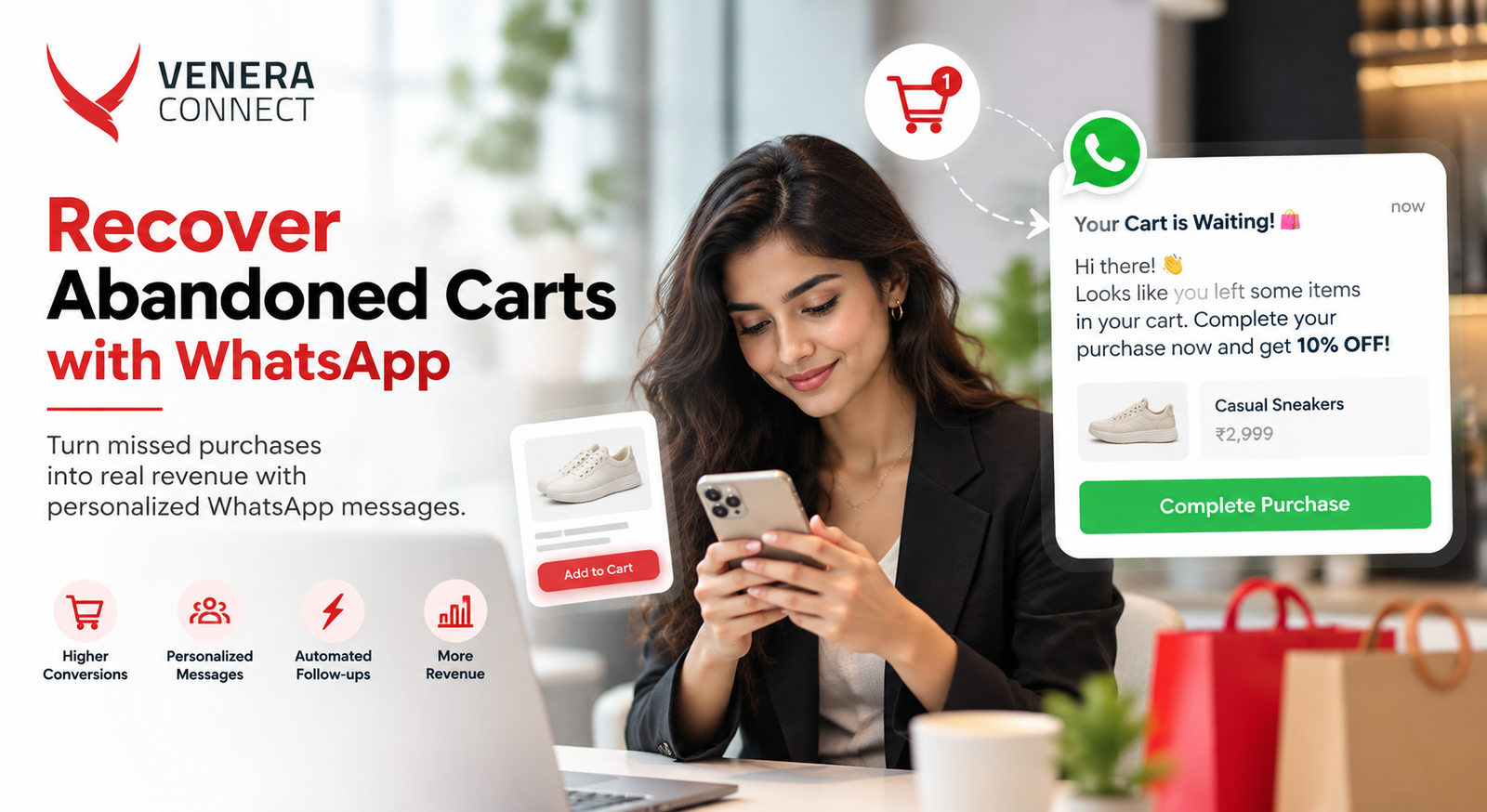
Most online shopping carts are abandoned before checkout. Customers get distracted, compare prices, wait for payday, worry about delivery charges or simply forget. In fact, for an e-commerce or D2C brand, that is a large pool of revenue that is almost won. Email reminders help, but many Indian shoppers rarely check email. WhatsApp abandoned cart recovery reaches customers where they are already active, with a personal, conversational nudge that can answer their hesitation in real time. This guide shows you how to set it up, what to send and when.
Why WhatsApp Works for Cart Recovery
- High visibility: WhatsApp messages are typically seen much faster than emails.
- Rich content: Show the exact product image, price and a direct checkout button.
- Two-way conversation: Customers can ask about sizing, delivery time or cash on delivery and get an instant answer from a bot or agent.
- Personal feel: A message from a verified brand account feels more like a helpful reminder than a marketing blast.
- Trackable: Delivery, read, click and conversion data show exactly what is working.
Before You Start: The Essentials
- WhatsApp Business Platform access through a provider, integrated with your store (Shopify, WooCommerce, Magento or a custom platform).
- Consent: Collect WhatsApp opt-in at sign-up or checkout, for example with a clearly worded checkbox next to the phone number field. Above all, only message customers who have agreed. Consent is the foundation of WhatsApp abandoned cart recovery.
- Approved templates: Cart reminders are business-initiated messages, so they must use approved templates, usually in the marketing category.
- Phone capture early in checkout: Ask for the mobile number as the first checkout field so you can reach customers even if they drop off later.
The Three-Message WhatsApp Cart Recovery Flow
A sequence of up to three messages, spaced sensibly, recovers far more carts than a single reminder, without feeling pushy.
Message 1: The gentle reminder (30-60 minutes after abandonment)
Timing matters most here. The customer is still in buying mode and may simply have been interrupted.
Hi Priya, you left something in your cart! Your Cotton Kurta Set (Size M) is waiting for you. Complete your order in one tap. [Complete purchase] [Need help?]
Also, include the product image, name, variant and price. No discount yet. The “Need help?” button opens a conversation for customers who had a question. Specific details make WhatsApp abandoned cart recovery feel personal.
Message 2: Address the hesitation (around 24 hours later)
If the cart is still open, answer the most common objections: delivery time, returns, payment options or social proof.
Still thinking it over? Your Cotton Kurta Set ships free, arrives in 3-5 days and comes with easy 7-day returns. Cash on delivery is available. [View cart] [Ask a question]
Message 3: The final nudge (48-72 hours later)
For carts still open, a limited-time incentive or low-stock alert can tip the balance. Use incentives selectively so customers do not learn to abandon carts on purpose.
Last chance: your cart is saved for 24 more hours. Use code COMEBACK10 for 10% off your order. [Checkout now]
Abandoned Cart Recovery Timing Guidelines
| Message | Suggested timing | Goal | Incentive? |
|---|---|---|---|
| Reminder | 30-60 minutes | Catch interrupted shoppers | No |
| Reassurance | 20-24 hours | Answer objections, build trust | Usually no |
| Final nudge | 48-72 hours | Convert price-sensitive shoppers | Optional, for high-value carts or first-time buyers |
Also, avoid sending messages late at night, and stop the sequence immediately once the customer purchases or opts out.
Personalising WhatsApp Abandoned Cart Messages
- Show the exact items with images, not a generic “you left items in your cart”.
- Use the customer’s name and the size or colour they chose.
- Segment by cart value: Offer free shipping or a discount only on carts above a threshold.
- Treat new and repeat customers differently: A first-time buyer may need trust signals; a repeat buyer may just need a reminder.
- Use regional languages where your audience prefers them.
- Recommend alternatives if the item is running low or out of stock.
Turn Reminders into Conversations
The real advantage of WhatsApp is that customers can reply. So prepare for the most common questions with a chatbot flow: Quick answers are where WhatsApp abandoned cart recovery beats email.
- “Will it fit me?” with a size chart and fit advice
- “When will it arrive?” with pin-code-based delivery estimates
- “Is COD available?” with payment options
- “Can I return it?” with a short, clear policy
Also, escalate to a live agent for anything the bot cannot answer. Customers who get a quick, helpful answer are far more likely to complete the purchase. Explore more ideas in our guide to conversational commerce in India.
Make Checkout Effortless
- Link directly to a pre-filled checkout, not the homepage or a blank cart.
- Where available, offer in-chat payment options so customers can pay without leaving WhatsApp.
- Also, keep the page mobile-friendly and fast. A slow page undoes good WhatsApp abandoned cart recovery.
- Preserve applied coupon codes in the link.
Beyond Carts: Related Recovery Flows
- Browse abandonment: A softer message for shoppers who viewed a product several times but did not add it to cart.
- Payment failure: An immediate message with a retry link when a payment fails, often the easiest sale to recover.
- COD confirmation: Confirm cash-on-delivery orders on WhatsApp to reduce fake orders and return-to-origin costs.
- Back-in-stock alerts: Notify customers who showed interest in an out-of-stock item.
Combine Channels with WhatsApp Cart Recovery
Not every customer will have opted in to WhatsApp or read your message. A coordinated approach uses WhatsApp as the primary reminder, with RCS or SMS for customers who are not reachable on WhatsApp, and email as a supporting touchpoint. Coordinate frequency across channels so the customer receives one sequence, not three parallel ones.
Abandoned Cart Recovery Metrics to Track
- Recovery rate: percentage of abandoned carts that convert after a reminder
- Recovered revenue and revenue per message sent
- Read and click-through rates for each message in the sequence
- Reply rate and common questions asked
- Discount cost as a share of recovered revenue
- Opt-out and block rates, which protect your WhatsApp quality rating
A/B test timing, copy, images and incentives one variable at a time.
Common WhatsApp Cart Recovery Mistakes
- Messaging without opt-in: Customers who never agreed to WhatsApp messages are more likely to block or report you, which lowers your quality rating and can restrict your sending limits.
- Waiting too long: A first reminder sent the next day misses the window when intent is highest. Automate the first message to go out within the hour.
- Generic copy: “Complete your purchase” with no product details feels like spam. Always show what they left behind.
- Broken links: Test that the checkout link restores the full cart on mobile, including variants and coupons.
- Not stopping the sequence: Nothing annoys a customer more than a cart reminder after they have already paid. Sync order data in real time.
- Discounting everyone: Blanket discounts train customers to abandon carts deliberately and erode margins.
- Ignoring replies: If a customer asks a question and gets no answer, you have lost both the sale and their trust.
Getting these basics right often matters more than clever copy or bigger incentives.
Meta’s official WhatsApp Business site explains the platform features behind these flows.
Frequently Asked Questions
Is it legal to send abandoned cart reminders on WhatsApp?
Yes, provided the customer has opted in to receive WhatsApp messages from you and you use approved templates in line with WhatsApp’s Business Messaging Policy.
How many reminders should I send?
Two to three messages over about three days is a common best practice. More than that risks annoying customers and hurting your quality rating.
Should every reminder include a discount?
No. Many shoppers return with just a reminder or reassurance. Reserve discounts for the final message or specific segments.
Can small stores set this up?
Yes. Many e-commerce platforms connect to WhatsApp through ready integrations, so even small stores can automate cart recovery without custom development.
Recover More Carts with Venera Connect
Venera Connect connects your store to the WhatsApp Business Platform with automated cart recovery flows, chatbot support and multichannel fallback. Explore our WhatsApp solution or talk to our team.